Blue Light and Screens: Eye Comfort and Better Sleep
Blue Light Effects and How to Protect Your Eyes: A Practical Guide for Screen Users, Better Sleep, and Eye Comfort
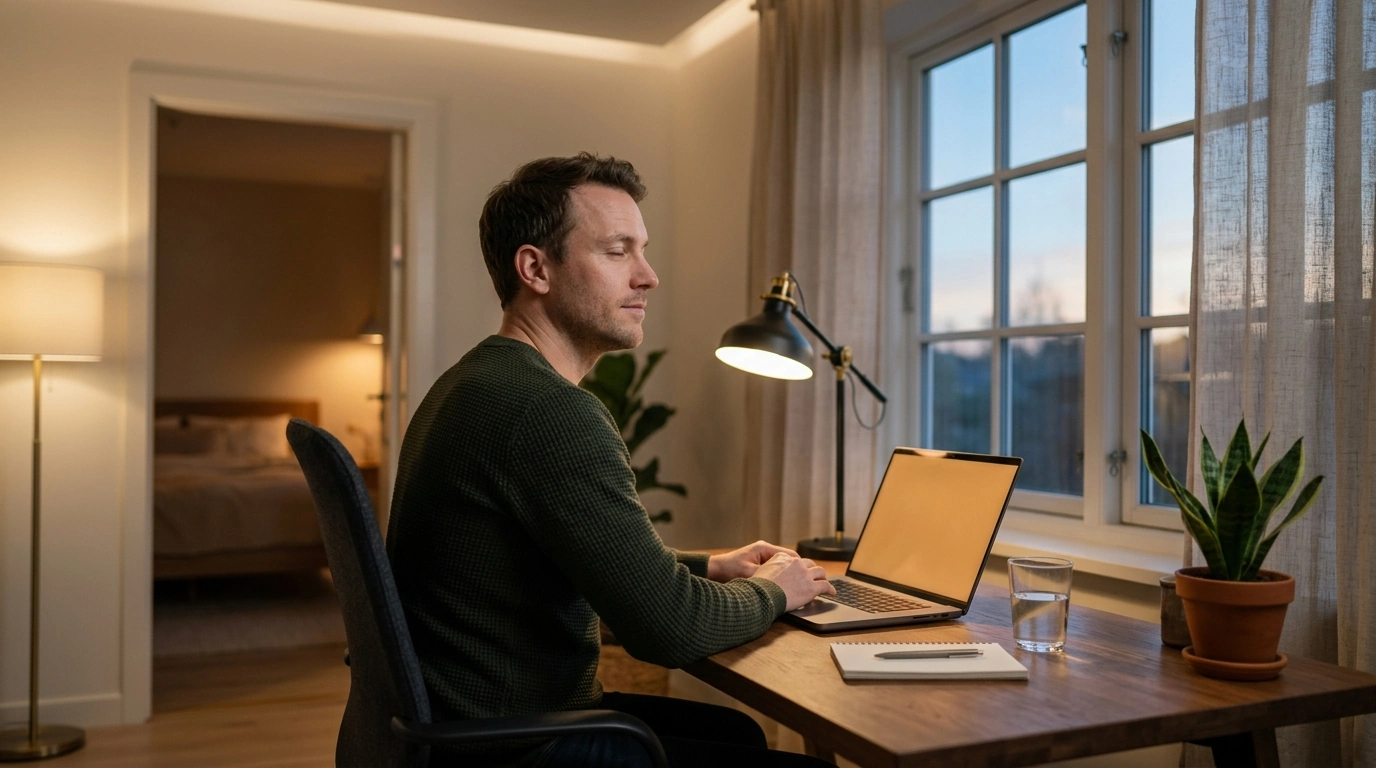
Screens, LEDs, and modern lighting make it easy to stay productive after dark—but the same light that keeps spaces bright can also affect comfort, focus, and sleep timing. Blue light isn’t automatically “bad,” yet the combination of bright, cool light at the wrong time, long screen sessions, and dry indoor air can add up to tired eyes and later bedtimes. Below is a practical, screen-user-friendly approach to lighting, device settings, and daily habits that support both eye comfort and more consistent sleep.
Light, color, and why “blue” matters
Visible light comes in many wavelengths. Shorter wavelengths appear blue and carry more energy than longer, warmer wavelengths (like amber and red). Blue light also plays a valuable role in daytime life: it supports alertness, helps regulate the body clock, and contributes to crisp color perception. The issue for many people is less about “blue light equals harm” and more about timing and intensity—especially bright, cool light late in the day, when the body is trying to wind down.
Different sources emit different mixes of wavelengths. Daylight is rich in short-wavelength light, while warm incandescent-style lighting and warmer LEDs shift output toward longer wavelengths. Many bright “cool white” LEDs and screens can feel harsh at night, particularly in a dim room.
| Source | When it helps most | Potential downsides | Simple fix |
|---|---|---|---|
| Outdoor daylight | Morning and daytime alertness; mood support | Glare if too bright; squinting outdoors without shade | Use shade/hat; sunglasses with UV protection |
| LED ceiling lights (cool/bright) | Task lighting during the day | Can feel harsh at night; may delay sleepiness | Dim after sunset; switch to warmer bulbs or warmer color settings |
| Phone/tablet/computer screens | Work, study, communication | Eye strain from glare, small text, and long focus; late-night use may affect sleep | Reduce brightness, increase text size, enable night mode, take breaks |
| Warm lamps (lower color temperature) | Evening wind-down and relaxation | Too dim may cause squinting for detailed work | Use targeted task lamp for reading; keep room lighting warm |
How blue light affects sleep timing
The body uses light cues—especially bright, short-wavelength light—to regulate circadian rhythm and melatonin timing. In the evening, bright light can “push” the sleep window later, making it harder to feel sleepy at the time you want. In the morning, bright outdoor light can help anchor the body clock earlier and improve daytime alertness.
Sleep impact isn’t one-size-fits-all. It depends on brightness, distance from the source, duration, and personal sensitivity. A bright tablet held close for an hour affects you differently than a dim laptop across the room. For deeper background on how light timing influences sleep, see the Sleep Foundation’s overview on blue light and sleep and broader circadian research summaries from the NIH/NLM (NCBI).
Eye comfort: what screens actually do (and don’t) do
Most short-term discomfort from screens is linked to digital eye strain: sustained near focus, reduced blinking, dry eyes, glare, and poor ergonomics. Blue light can contribute to perceived harshness for some people, but it’s rarely the only driver of immediate strain. More often, brightness mismatch (a bright screen in a dim room), reflections, and tiny fonts are the culprits.
Dryness is especially common. When concentrating, blink rate can drop, and partial blinks become more frequent—both of which can destabilize the tear film and cause irritation or fluctuating clarity. If you notice persistent pain, sudden vision changes, or frequent headaches, an eye care professional can help rule out refractive error, dry eye, or focusing/teamwork issues between the eyes. The American Academy of Ophthalmology also emphasizes that typical screen exposure is far lower than sunlight and that digital eye strain is a common, practical focus.
Screen settings that reduce strain today
1) Match brightness to your room
If your screen looks like a bright lamp in a dim space, discomfort rises fast. Lower brightness at night and increase ambient warm lighting slightly if you’re squinting.
2) Increase text size and scaling
3) Warm your display in the evening
4) Cut glare and reflections
5) Watch for flicker sensitivity
A practical daily routine for better sleep and eye comfort
Morning: strengthen your “daytime” signal
Daytime: break up near-focus work
Afternoon: support the tear film
Evening: dim and warm the environment
Last hour before bed: make screens “small and quiet”
Glasses, filters, and when they make sense
Simple workspace lighting tweaks that add up
Recommended resources (digital downloads)
- Blue Light Effects and How to Protect Your Eyes – A Practical Guide with Blue Light Explained for Screen Users, Better Sleep, and Eye Comfort
- Corporate Credit Card Mastery Checklist | How to Manage Corporate Credit Cards for Small Business, Finance Teams & Entrepreneurs | Digital Download
When to get help
FAQ
Does blue light permanently damage eyes from normal screen use?
For most people, typical screen exposure is far lower than outdoor sunlight, and the main day-to-day issues are eye strain and sleep timing. Protect your eyes outdoors with UV-blocking sunglasses, and see an eye care professional if you have persistent pain or vision changes.
How long before bed should screens be reduced for better sleep?
A practical target is about 1–3 hours before bed, depending on sensitivity and how bright the screens and room lights are. If you need to use screens, dim them, switch to warmer settings, and reduce bright overhead lighting.
Do blue-light glasses help with headaches and dry eyes?
Evidence is mixed: they may reduce perceived glare for some people, but dry eyes usually improve more from blink breaks, humidity/airflow changes, and appropriate eye care. Headaches often relate to brightness, posture, or an uncorrected vision prescription, so a comprehensive check can be useful.











Leave a comment