Keep Your Phone Battery Healthy: Heat, Charging & Settings
Smart Tips to Keep Your Phone Battery Healthy: Essential Guide for Maximum Battery Life
Phone batteries wear down over time, but the biggest drops in battery health usually come from a few repeatable stressors: heat, deep discharges, and charging patterns that keep a battery hot and full for long stretches. With a handful of practical habit changes—plus a couple settings—daily battery life can stay steadier for longer, and your battery can retain usable capacity through more months (and years) of use.
How phone batteries age (in plain terms)
Most modern phones use lithium‑ion batteries. They’re designed to deliver strong performance in a compact size, but they gradually lose maximum capacity as they go through charge cycles. A “cycle” isn’t just one plug-in—roughly speaking, it’s the total of 100% worth of charging spread across one or several sessions.
Battery strain tends to increase with:
- Heat (the fastest accelerator of long-term wear)
- Frequent 0–100% swings (deep discharges and full charges repeated constantly)
- High-current charging while the phone is under heavy load (gaming, navigation, hotspot, video recording)
The goal isn’t perfect “battery hygiene.” It’s reducing the common stressors that cause capacity to drop sooner than it needs to.
Charging habits that protect long-term capacity
Charging well is mostly about minimizing time spent hot and fully charged, and avoiding frequent deep drains.
- Stay in a comfortable middle range most days. Many people find that topping up earlier (rather than running to single digits) keeps both performance and longevity more consistent.
- Don’t worry about hitting 100% sometimes. Fully charging for a long day is normal. The bigger issue is staying hot and full for hours—like charging overnight on a warm surface with no optimization enabled.
- Turn on optimized/adaptive charging. Both iPhone and many Android devices can delay the final part of charging to reduce time spent at 100%, especially overnight. Apple explains how it works in detail here: Apple Support: About Optimized Battery Charging on iPhone.
- Use fast charging strategically. Fast charging is great when you need it. When you don’t, a slower charger can mean less heat and lower stress—particularly if the phone is being used while plugged in.
Quick charging do’s and don’ts
| Habit | Better default | Why it helps |
|---|---|---|
| Overnight charging | Turn on optimized/adaptive charging | Cuts time held at 100% |
| Daily top-ups | Short top-ups are fine | Avoids deep discharge cycles |
| Fast charging | Use when needed; avoid during heavy gaming | Reduces heat and high-load charging |
| Charging under a pillow/blanket | Charge on a hard, cool surface | Prevents heat buildup |
| Using random cheap cables/adapters | Use reputable, certified accessories | Improves safety and charging stability |
Heat management: the fastest way to lose battery health
If there’s one “high impact” change, it’s reducing unnecessary heat. Heat accelerates chemical aging inside lithium‑ion cells, and it can happen faster than most people realize—especially when charging and using the phone at the same time.
- Avoid charging in direct sunlight, in a hot car, or on heat-trapping surfaces like thick bedding.
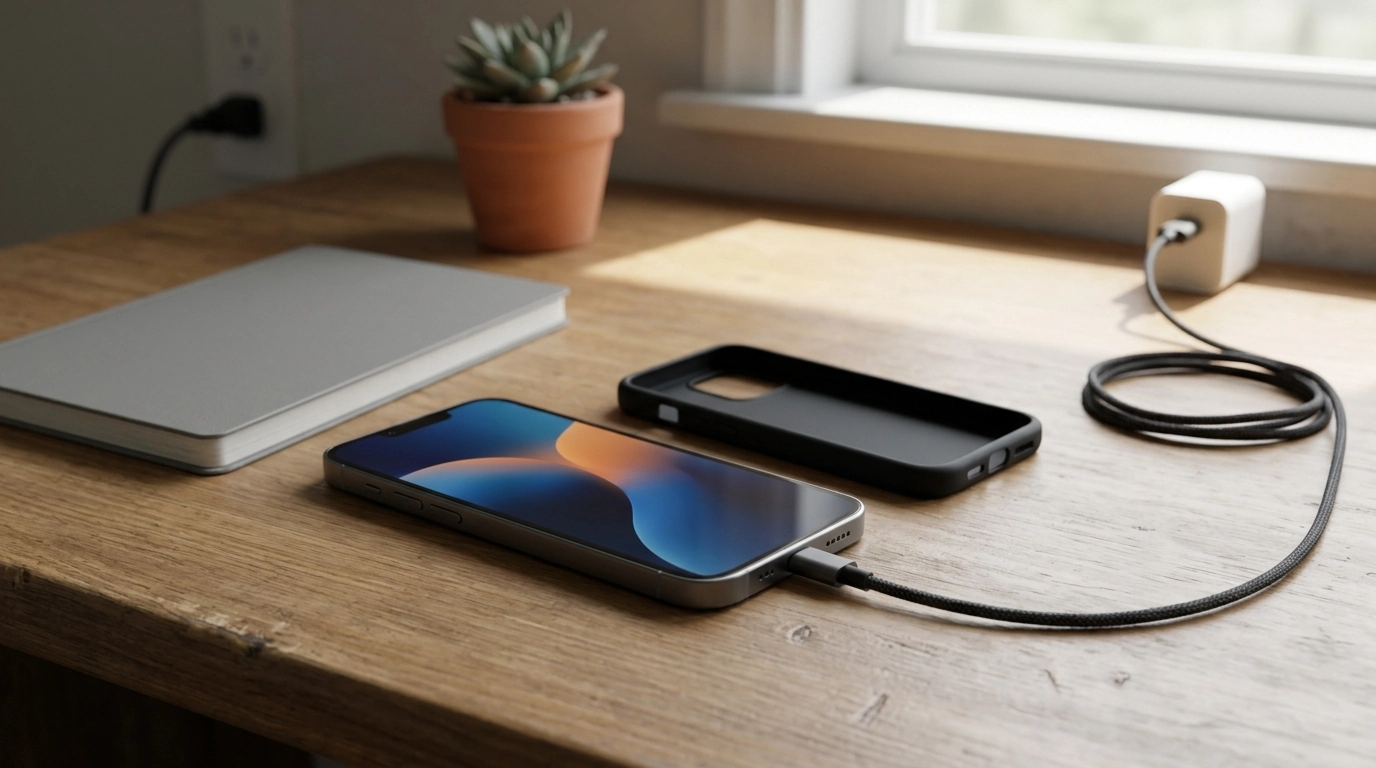
- Remove thick cases when needed. During long navigation sessions, video calls, or fast charging, a bulky case can hold heat in. If the phone feels warm, popping the case off can help it shed heat faster.
- Pause charging if it’s hot. If your device feels noticeably hot to the touch, unplug it for a bit and let it cool before continuing.
- Wireless charging: align the coil. Misalignment can increase heat and extend charging time, which is a double hit for battery wear.
For deeper technical background on lithium-based battery care, Battery University’s guide is a solid reference.
Settings that extend daily battery life without hurting battery health
Battery “health” (long-term capacity) and battery “life” (how long it lasts today) are connected: settings that reduce heat and workload often help both.
- Use adaptive brightness or lower brightness manually. The display is usually the biggest power draw, and it can also drive heat during high brightness outdoors.
- Shorten screen timeout. Small changes (like 30 seconds instead of 2 minutes) reduce wasted drain throughout the day.
- Limit always-on features if needed. Always-on display and constant widgets can be convenient, but they add steady background usage.
- Review background activity and location permissions. If an app doesn’t need “Always” location, switch it to “While Using.” Android’s best-practice overview is here: Google Support: Maximize battery life.
- Use Low Power Mode / Battery Saver on long days. It cuts background work, refresh frequency, and visual effects—often reducing heat during extended use.
Battery myths that waste effort
Habits for travel days and heavy-use days
A simple routine to follow each week
Recommended resources (digital downloads)
- Smart Tips to Keep Your Phone Battery Healthy: Essential Guide for Maximum Battery Life (digital guide)
- Corporate Credit Card Mastery Checklist (handy for frequent travelers tracking business expenses and tech purchases)
FAQ
Is it okay to leave a phone charging overnight?
Yes, especially if your phone supports optimized/adaptive charging—enable it so the device spends less time sitting at 100%. Charge on a cool, ventilated surface to limit heat buildup.
What battery percentage is best for daily use?
A practical middle range most days is helpful: avoid frequently running to very low levels, and avoid leaving the phone hot at full charge for long periods. Flexibility matters more than strict rules.
Does fast charging damage battery health?
Fast charging can increase heat, which is the main risk to long-term battery health. Occasional fast charging is fine, but frequent fast charging while gaming or navigating can add stress—cool conditions and reputable chargers help.











Leave a comment